Best Controller Settings for Fortnite | 2025 Guide
Fortnite in 2025 is faster, flashier, and more competitive than ever. Whether you’re diving into Zero Build or building skyscrapers in the middle of a firefight, having the right controller settings can make all the difference. The game supports tons of tweaks, and knowing which ones to adjust can give you that edge in battle. Don’t worry—we’re keeping it fun and simple!
Why Controller Settings Matter
Controller settings shape how you play. The difference between an epic win and a quick loss? Sometimes it’s just how fast you can flick your stick or hit the right button. Great settings help you:
- Build faster
- Aim better
- React quicker
- Feel more in control
Let’s break down the best controller settings for Fortnite in 2025—starting with sensitivity!
1. Sensitivity Settings
Your sensitivity controls how fast your camera moves when you aim or look around. Here’s what we suggest:
- Look Sensitivity: 5 or 6 (feels fast but still accurate)
- Aim Sensitivity: 4 (for steady sniper shots)
- Build Sensitivity Multiplier: 2.1x
- Edit Sensitivity Multiplier: 2.1x
If you’re a builder, those higher build and edit multipliers make switching and placing structures feel super snappy.

2. Advanced Sensitivity
Want more control? Time to dive into advanced settings. Don’t worry—it’s easy!
- Use Advanced Options: On
Look Input Curve: Try “Linear” for faster movement. It reacts to the lightest touch. Don’t love it? Try “Exponential” for smoother control.
Aim Assist Strength: 100%. Yep. Keep it all the way up. Aim assist is your best friend on controller.
ADS Look Horizontal Speed: 8%
ADS Look Vertical Speed: 8%
Need smooth tracking while aiming? These keep your shots steady but responsive.
3. Dead Zones
Dead zones define how far you move the analog stick before anything happens. Low dead zones = instant response. But if they’re too low, you’ll drift.
- Left Stick Dead Zone: 6%
- Right Stick Dead Zone: 6%
If your character starts creeping on their own, bump these up a bit until it stops.
4. Controller Layout
This is where the magic happens. Choosing the right layout helps you build, edit, and fight like a pro—without moving your fingers off the thumb sticks.
Best Option: Builder Pro with Custom Edits
Tweak your button bindings so you can:
- Edit with left stick click (L3)
- Reset edits with R3 (right stick click)
- Confirm edits with the Toggle/Paddle if using paddles
And don’t forget:
Sprint by Default: ON
This frees up your left stick click for edits!
5. Confirm Edit on Release
This setting is a game-changer!
Turn “Confirm Edit on Release” ON.
It lets go of the confirm button as soon as you let go of the edit piece. Faster edits, no delays. Just cleaner plays.
6. Vibration and Sounds
Controller Vibration: OFF
Why? It shakes your hands and throws off your aim. Most pros turn it off. You should too.
Sound Effects: Boost Footsteps and Gunshots
Use a good headset. You’ll hear players before you see them. That audio intel? It wins fights.
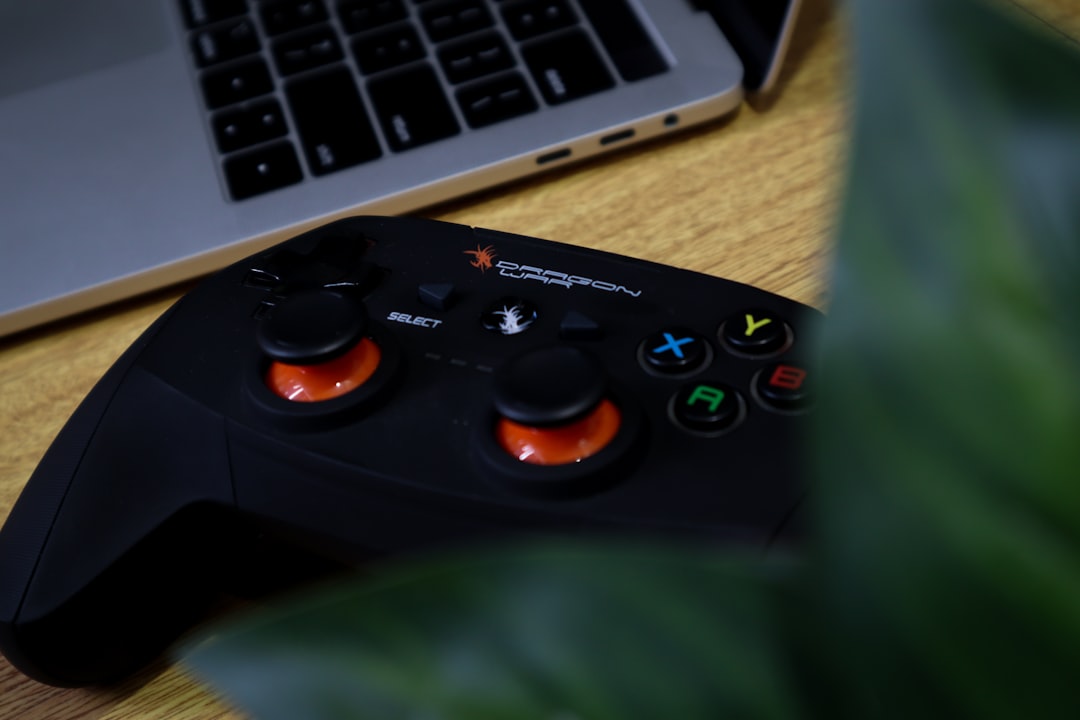
7. Use Paddles or a Scuf Controller
Got a controller with paddles on the back?
Map essential actions like:
- Jump
- Edit
- Confirm
This way your thumbs NEVER leave the sticks. You’ll keep aiming while building. Game over for your enemies!
Bonus Tips for 2025
- Try warm-up maps in Creative before diving into matches
- Use Shockwave or Cluster Grenades to test building under pressure
- Adjust settings when switching between Build and Zero Build modes
Zero Build players might prefer slightly higher sensitivities. You’re less focused on building, more focused on aiming and movement.

Final Thoughts
Finding the best controller settings in Fortnite isn’t one-size-fits-all. Use these as a starting point. Then experiment. Adjust one thing at a time, play a few matches, see what feels right.
Controller players can absolutely dominate in 2025. With aim assist, smart layouts, and settings that match your style, you’re ready to crank 90s or laser players from triple edit towers.
Get out there, tweak those settings, and claim that Victory Royale!

- 1Password Pricing and Alternatives: 7 Password Managers Compared for Individual, Family, and Enterprise Plans - November 14, 2026
- Secrets Management Platforms for AI Workspaces: 6 Tools for Protecting API Keys, Managing Credentials, and Securing Automated Workflows - November 14, 2026
- 6 Calmly Writer Alternatives for Distraction-Free Writing, Long-Form Drafting, and Organizing Your Ideas - November 14, 2026


