

If you’re trying to unwind with your favorite TV show or movie on Hulu, there’s nothing more frustrating than being interrupted by an unexpected error code. You settle in, hit play—and boom—up pops something like P-DEV318, P-TS207, or P-DEV320, leaving you scratching your head and grabbing your phone to search for answers. What do these mystery codes mean, and more importantly, how can you prevent them from crashing your stream again?
TL;DR:
Hulu error codes like P-DEV318 typically relate to streaming interruptions, often caused by connection issues, app glitches, or device compatibility problems. These codes might look intimidating, but they’re often resolved by simple fixes like restarting your device or clearing cache. Understanding what each code means helps you troubleshoot faster and get back to streaming. Keep reading for a detailed breakdown of the most common error codes—and how to stop them from recurring.
What Are Hulu Error Codes?
Hulu uses a series of alphanumeric codes to signal specific problems with content playback, app functionality, or network connections. Although these codes are helpful for technical teams, they can be cryptic for everyday users. The codes typically follow a pattern involving a prefix (like P-) and a number or mix of letters and numbers.
Knowing what each code means can reduce your troubleshooting time significantly and get you back to binging your favorite content. Let’s dig into some of the most common ones.
Common Hulu Error Codes and What They Mean
- P-DEV318: One of Hulu’s most frequent streaming errors. This often indicates a problem on Hulu’s end, but it can also be triggered by network issues or outdated app software.
- P-DEV320: Another common code that usually points to problems with device communication or playback glitches.
- P-TS207: Time-sensitive error often related to live streaming or synced playback across devices.
- RUNUNK13: Usually a content playback error which could be tied to corrupted cache or a server timeout.
- PLAREQ17: Indicates a problem with the video request, typically due to regional restrictions or outdated software.
You might see these errors appear more often on certain devices like Roku, Fire TV, smart TVs, or older smartphones with outdated apps or firmware.


So Why Does P‑DEV318 Keep Happening?
P-DEV318 stands out because it appears across multiple devices and under varying conditions. Generally, this error is linked to problems with the communication between Hulu’s servers and your streaming device. That means it could be:
- A network connection issue (weak or interrupted Wi-Fi)
- Hulu’s server experiencing outages or slowdowns
- Outdated Hulu app version on your device
- A compatibility problem between the Hulu app and your operating system
If you’ve tried switching shows or movies and the error persists, the issue is likely deeper than a single corrupted stream—it might be how your device is talking (or not talking) to Hulu.
How to Fix Hulu Error Codes Like P‑DEV318
The good news: many of these issues can be resolved without calling customer support. Here’s a step-by-step guide to troubleshoot:
1. Check for Hulu Server Issues
Use a service like Downdetector to see if Hulu is experiencing a widespread outage. If the problem is on their end, you’ll have to wait it out.
2. Restart the App and Your Device
Close the Hulu app completely—not just minimize it—and restart your streaming device. Power cycling can resolve many conflicts between apps and systems.
3. Clear the Cache and Data
Over time, cached data can corrupt and cause errors. Go into your device settings, find the Hulu app, and clear its cache and stored data.
4. Update the Hulu App and Device Software
Check the app store for Hulu updates and make sure your operating system is current. A mismatch between your app version and OS can lead to playback errors.
5. Switch Devices
If you have access to Hulu on more than one device, try switching to see if the issue is device-specific. This can help isolate whether the error is related to your streaming method or Hulu itself.
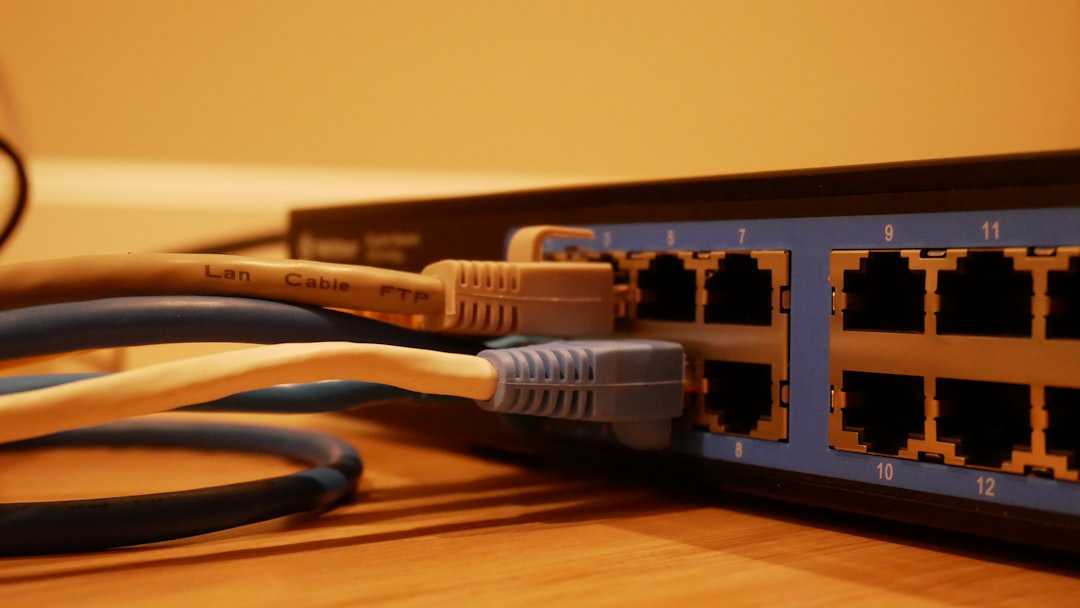
6. Try a Wired Connection or Reset Your Router
Streaming over Wi-Fi can sometimes be inconsistent, especially during peak hours. If possible, use a wired Ethernet connection or restart your router to boost performance.
Long-Term Prevention Tips
Once you’ve fixed the issue, you’ll want to take steps to prevent it from returning. Here are a few preventative measures you can adopt:
- Keep all apps and devices up-to-date: Set your devices to auto-update whenever possible.
- Regularly clear cache: Just like cookies in a browser, video streaming apps accumulate background data that should be purged occasionally.
- Avoid beta versions: If you’re using a beta OS version or testing firmware, Hulu’s app may not play well with it.
- Use supported devices: Check Hulu’s website for a list of supported devices. Some older smart TVs and devices might no longer be fully compatible.
- Limit background activity: Multiple apps running at once can eat up memory and network bandwidth, causing stream failures.
When to Contact Hulu Support
If you’ve tried all the steps above and you’re still seeing error codes, it may be time to contact Hulu’s customer support. Make sure you take note of:
- The exact error code(s)
- What device you’re using
- Your app and OS versions
- What fixes you’ve already attempted
This information can help the support team diagnose your issue faster and offer a more accurate solution.
Alternative Streaming Options
If Hulu continues to give you issues over a long period, it might be worth looking into other streaming services for certain types of content. While Hulu has its unique originals, shows like The Handmaid’s Tale or Only Murders in the Building, many network shows are also available on platforms like Disney+, Netflix, or Paramount+.
That said, error codes can happen on any streaming service. What does vary is how well documented the solutions are and how quickly their tech team responds to issues. If you’re a dedicated Hulu user, learning your way around these errors is part of maximizing the platform’s value.
Conclusion: Don’t Let the Glitches Win
While error codes like P-DEV318 can put a damper on your evening plans, they’re usually easy to fix with a bit of technical know-how and patience. Understanding what they mean and how to address them can save you hours of frustration. With streaming now being a mainstay of modern entertainment, keeping your digital setup in good shape is just as important as choosing what to watch.
So, the next time Hulu decides to throw an error code your way, you’ll be ready—not rattled.


- Ingebim: The Impact on Modern Business Practices - January 15, 2026
- What Consumers Should Know About Online Risks - January 15, 2026
- Protecting Sensitive Business Documents: Enterprise-Grade Security in Modern Information Management - January 14, 2026