
Everyday internet users frequently hear the words malware and virus used as if they mean the same thing. While they are closely related, they are not identical, and misunderstanding the difference can lead to poor security decisions. Knowing how malicious software works, how it spreads, and how it can be stopped empowers users to protect their devices and personal information more effectively.
TL;DR: Malware is a broad term for any software designed to harm or exploit a device, while a virus is just one specific type of malware. Viruses need user interaction to spread, whereas many other forms of malware act automatically. Understanding these differences helps users choose better protection tools and safer online habits. Simple prevention steps can dramatically reduce infection risk.
What Is Malware?
Malware, short for malicious software, refers to any program or code intentionally designed to damage, disrupt, spy on, or gain unauthorized access to systems. This umbrella term includes a wide variety of threats that behave differently and serve different goals, from stealing data to locking files for ransom.
Common types of malware include:
- Viruses – Attach themselves to legitimate files and spread when those files are executed.
- Worms – Self-replicate and spread across networks without user action.
- Trojans – Disguise themselves as legitimate software to trick users into installing them.
- Ransomware – Encrypt files and demand payment for their release.
- Spyware – Secretly monitors user activity and collects sensitive information.
- Adware – Displays unwanted ads and may track browsing behavior.
In simple terms, if software is doing something harmful without the user’s informed consent, it is considered malware.
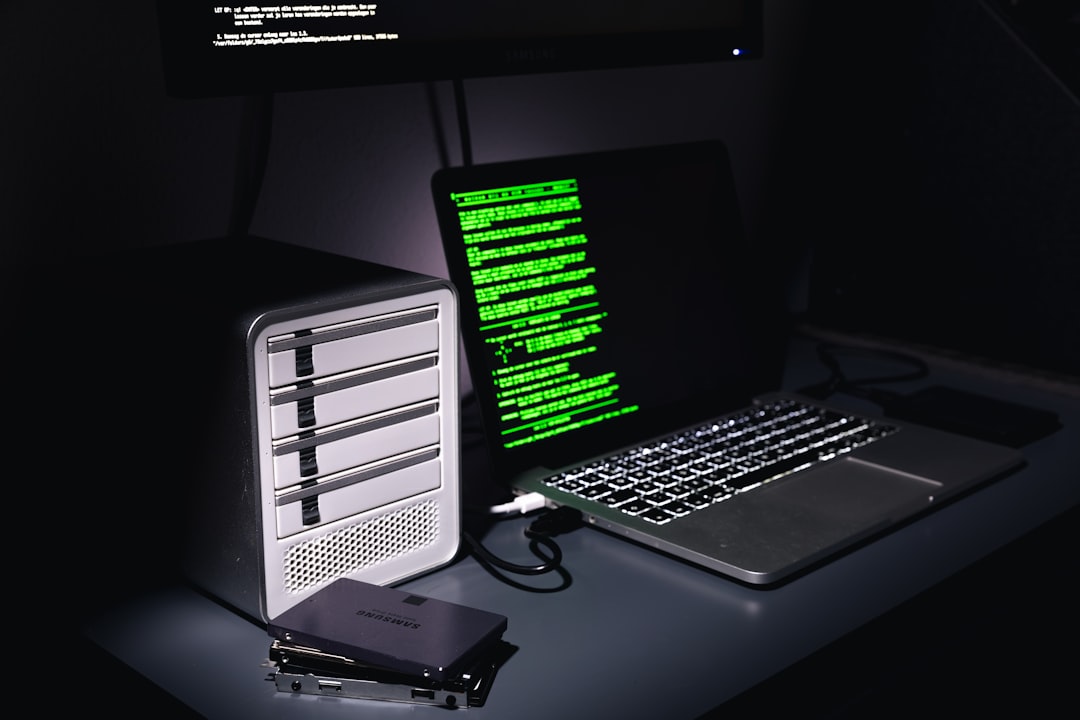
What Is a Virus?
A virus is a specific subset of malware. Much like biological viruses, computer viruses require a host to function. They typically attach themselves to a legitimate program or file and activate when that file is opened or executed.
Once active, a virus can perform various harmful actions, such as:
- Corrupting or deleting files
- Slowing down system performance
- Spreading itself to other files or devices
- Opening backdoors for additional malware
Unlike worms or some modern malware, viruses usually require human interaction to spread. For example, downloading an infected email attachment or running compromised software triggers the infection.
Malware vs. Virus: Key Differences Explained Simply
The main confusion between malware and viruses comes from how closely related the terms are. However, their differences are important for understanding risk and prevention.
- Scope: Malware is the general category, while a virus is just one type within it.
- Spreading method: Viruses rely on user action, while many malware types spread automatically.
- Purpose: Malware can spy, steal, extort, or disrupt, whereas viruses mainly focus on spreading and damaging systems.
- Modern usage: Many current cyber threats are not viruses at all but are still malware.
Understanding this distinction helps users avoid assuming that traditional antivirus detection alone covers all threats.

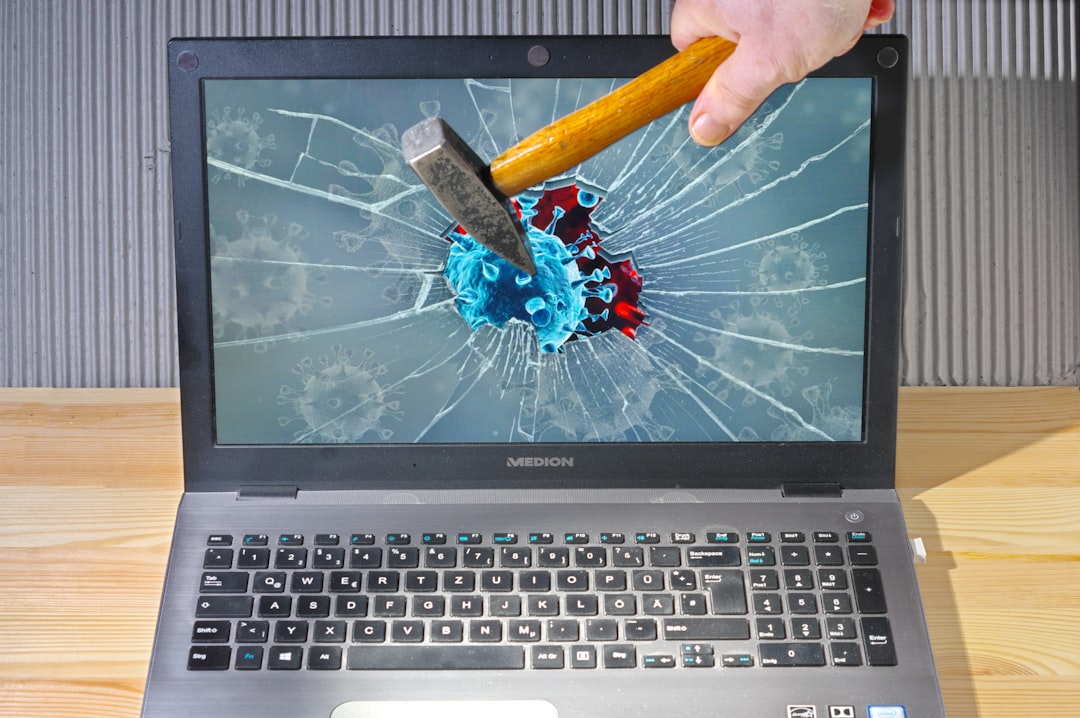
How Malware and Viruses Infect Devices
Both malware and viruses rely on common entry points that everyday users encounter regularly. These infection methods often exploit trust, curiosity, or outdated software.
Typical infection routes include:
- Phishing emails with malicious attachments or links
- Fake software updates or pirated programs
- Compromised websites with hidden download scripts
- Infected USB drives or external storage devices
- Unpatched systems vulnerable to known exploits
While viruses often need a file to be opened, other malware may install silently in the background when a vulnerable system is exposed.
Signs Your Device Might Be Infected
Everyday users may not immediately notice a malware or virus infection. Some signs are subtle, while others are disruptive and alarming.
Common warning signs include:
- Unusually slow performance or frequent crashes
- Pop-up ads appearing even when not browsing
- Unexpected programs or browser toolbars
- Files that are missing, corrupted, or encrypted
- Antivirus software being disabled without permission
Not all performance issues are caused by malware, but a combination of these symptoms should prompt a security check.


Detection: How Malware and Viruses Are Found
Detection relies on security software and user awareness. Modern security tools use multiple techniques to identify threats.
- Signature-based detection: Matches files against known malware patterns.
- Behavior-based detection: Monitors suspicious actions, such as unauthorized system changes.
- Heuristic analysis: Identifies new threats based on similarities to known malware.
- Cloud scanning: Uses online databases to detect emerging threats in real time.
Because new malware appears constantly, relying on outdated antivirus definitions leaves systems vulnerable.
Protection Tips for Everyday Users
Effective protection does not require advanced technical skills. Simple habits combined with the right tools can significantly reduce risk.
- Keep software updated: Operating systems, browsers, and apps should update automatically.
- Use reputable security software: Choose solutions that include real-time protection.
- Be cautious with emails: Avoid unexpected attachments and suspicious links.
- Download responsibly: Use official websites and app stores whenever possible.
- Enable backups: Regular backups protect against data loss from ransomware.
- Use strong passwords: Unique passwords limit damage if one account is compromised.
Security is most effective when technology and user awareness work together.
Why Understanding the Difference Matters
When users think all threats are “viruses,” they may underestimate risks that antivirus tools alone cannot catch. Some malware focuses on spying or financial theft and may behave differently than classic viruses.
Understanding that viruses are just one type of malware helps users:
- Choose more comprehensive security solutions
- Recognize non-traditional threat behaviors
- Adopt safer online habits
This awareness transforms users from passive targets into active participants in their own digital safety.
Frequently Asked Questions (FAQ)
- Is all malware a virus?
No. All viruses are malware, but not all malware is a virus. Malware includes many different threat types. - Can smartphones get malware?
Yes. Mobile devices can be infected, especially when apps are downloaded from unofficial sources. - Is free antivirus software enough?
Sometimes. Free tools offer basic protection, but paid versions usually provide broader coverage and advanced features. - Can malware steal personal information?
Yes. Spyware and banking trojans are specifically designed to steal sensitive data like passwords and credit card numbers. - How often should scans be run?
Regularly. Real-time protection should be enabled, with full system scans performed at least once a week.


- Exclusive Quintessential England Travel Planner: London, Cotswolds & Hidden Gems - February 11, 2026
- Malware vs. Virus Explained For Everyday Users: Key Differences, Detection & Protection Tips - February 11, 2026
- How To Identify And Remove PC App Store Adware For Better Privacy And Performance - February 10, 2026