Never Lose a Package Again: How to Track Amazon Orders the Easy Way
We’ve all been there—you order something on Amazon, you wait a few days, and then suddenly you wonder, “Where is my package?” In today’s fast-paced world, it’s easy to lose track of orders, especially if you’re dealing with multiple purchases, different carriers, and deliveries scheduled over several days. Fortunately, Amazon offers a suite of tracking features and tools designed to help you monitor your orders every step of the way. With a little know-how, you can make sure that a missing package becomes a thing of the past.
Why Package Tracking Matters
Knowing where your package is in real time isn’t just convenient—it helps ease anxiety and improves your online shopping experience. Whether you’re ordering a birthday gift or a critical item for your business, tracking offers peace of mind and preparation.
With accurate order tracking, you can:
- Estimate delivery time so you’re available to receive the item
- Prevent theft by retrieving packages shortly after delivery
- Respond quickly if something goes wrong
- Communicate efficiently with Amazon or delivery carriers when there’s an issue
Steps to Track Your Amazon Orders the Easy Way
Tracking your Amazon orders doesn’t have to be complicated. Amazon has built-in systems within its website and mobile app that allow you to view every stage of your package’s journey. Here’s how to do it:
1. Use the Amazon Website
If you’re using a computer, follow these steps:
- Log in to your Amazon account.
- Hover over “Accounts & Lists” and select “Your Orders.”
- Find the specific order you want to track.
- Click the “Track Package” button next to the item.
This will open a page that displays where your item currently is—whether it’s been shipped, is out for delivery, or has been delivered.
2. Use the Amazon Mobile App
Smartphones make it even easier. Here’s how:
- Open the Amazon app on your device.
- Tap the menu icon (three horizontal lines or in some cases a person icon).
- Select “Your Orders.”
- Locate the order and tap “Track Package.”
The app often provides more real-time updates than the browser, including a visual map of the delivery truck if your package is out for delivery.

3. Turn on Delivery Notifications
Want Amazon to let you know the moment your package is shipped or delivered? Easy. Simply enable push notifications in your app.
Go to Settings > Notifications in your Amazon app and toggle on delivery-related alerts. This way, you’ll receive updates automatically as your item moves from warehouse to your doorstep.
4. Check Your Email or Text Messages
Amazon often sends timely email and SMS updates on shipping and out-for-delivery statuses. Double-check that your contact information is up to date in your account settings so you never miss crucial updates.
5. View Amazon Map Tracking
For certain deliveries, Amazon provides a live map that shows the exact location of the delivery driver in real time. When available, this feature is shown as a map under the tracking details.
This is especially useful if you’re busy or away from home—you’ll know exactly when you need to be at your door to grab the package before it sits outside too long.
What If Tracking Shows Your Package is Delivered—But You Can’t Find It?
Sometimes the system says your package has arrived, but it’s nowhere in sight. Don’t panic. Here are a few steps you can take:
- Check All Possible Delivery Locations: Porch, side door, garage, or even a neighbor’s house.
- Wait a Few Hours: Occasionally, a status update can be premature. Wait a bit to see if it shows up.
- Ask Neighbors or Household Members: Someone else may have taken it inside for you.
- Contact Amazon Customer Support: They can offer solutions like refunds or replacements if needed.
Advanced Tools for the Amazon Power Shopper
If you order frequently, you might find it helpful to use some advanced tools and integrations designed to streamline the tracking process even further.
1. Amazon Key In-Garage and In-Home Delivery
Worried about porch pirates? Amazon Key is a secure way to receive packages inside your home or garage. You get real-time alerts and even video footage of the delivery.
Bonus: You’ll never have to worry about weather damage to your packages again.
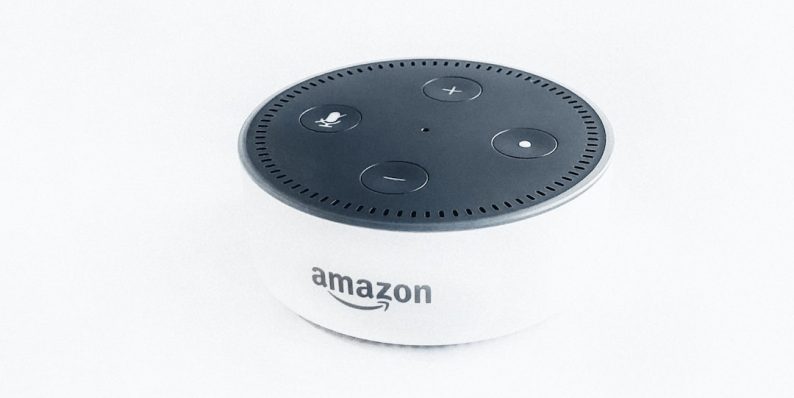
2. Integrate with Alexa
If you have an Amazon Echo device, Alexa becomes your new tracking assistant. Simply say:
“Alexa, where’s my stuff?”
Alexa will give you the current status of upcoming deliveries and even tell you if something has been delayed.
3. Use Third-Party Parcel Tracking Apps
If you order from multiple online retailers in addition to Amazon, a multi-carrier package tracking app could be your best friend.
Some popular options include:
- Parcel (iOS)
- AfterShip
- 17TRACK
- Shop by Shopify
Simply connect your Amazon account or paste your tracking numbers, and these apps will monitor delivery updates from Amazon, FedEx, UPS, USPS, and more—all from one dashboard!
Image not found in postmeta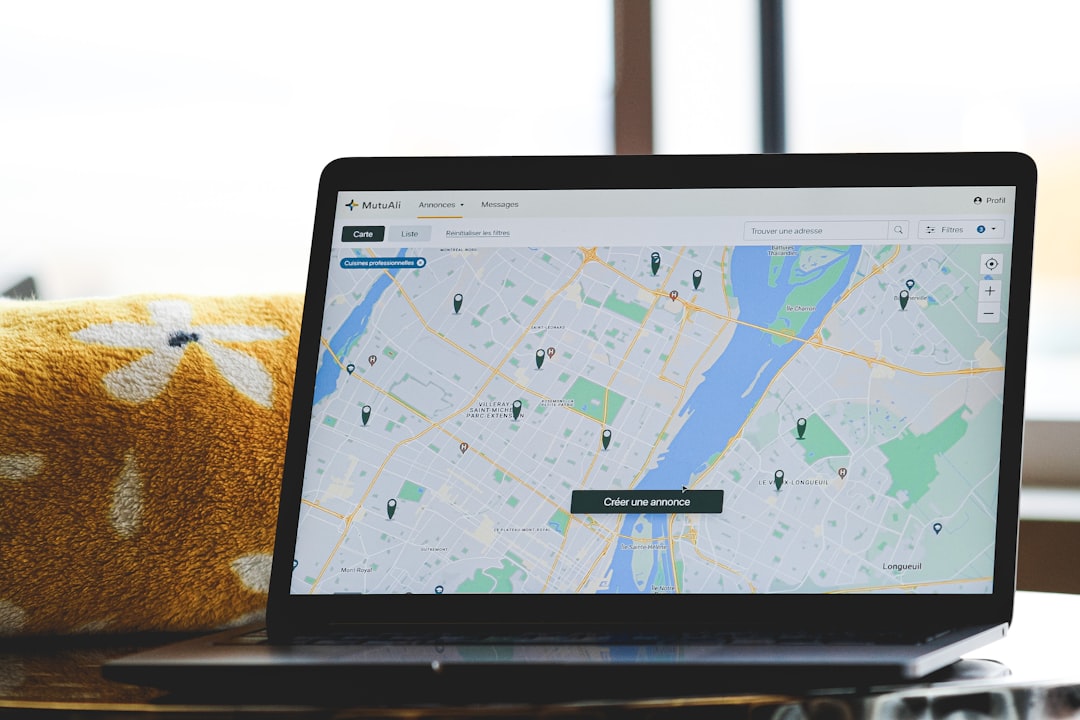
Tips for Making Your Amazon Deliveries More Reliable
Prevent delivery issues before they happen with these smart tips:
- Update Your Address Book – Double-check your primary and alternative addresses for accuracy.
- Use Amazon Hub Lockers – Great for apartment dwellers or travelers who don’t want packages left at home unattended.
- Provide Delivery Instructions – Use the “Add delivery instructions” feature for specific requests like “Leave behind planter” or “Ring bell.”
- Order Early to Avoid Delays – Especially during holiday seasons or Prime Day when logistics can be overwhelmed.
Conclusion: Peace of Mind is Just a Tap Away
Never losing a package again is entirely possible when you make use of Amazon’s built-in features and modern tracking technologies. From real-time map views to smart notifications and voice assistants, Amazon has gone to great lengths to improve the delivery experience for its customers.
With just a few taps or clicks, you can locate your package, track its journey, and even receive it in a secure spot like your garage—all without lifting anything but your finger. Because let’s face it, in the age of instant gratification, there’s no reason to feel left in the dark about your delivery status anymore.
So, the next time you place an order, relax—you’ve got the tools to make sure it gets safely to your hands.

- The Best Alternatives to DuckDuckGo: 5 Privacy-Focused Browsers and Search Tools for Tracking Protection and Safer Web Research - November 15, 2026
- 1Password Pricing and Alternatives: 7 Password Managers Compared for Individual, Family, and Enterprise Plans - November 14, 2026
- Secrets Management Platforms for AI Workspaces: 6 Tools for Protecting API Keys, Managing Credentials, and Securing Automated Workflows - November 14, 2026


