
You’re all set to jump into a match of Pokémon UNITE, but boom—up pops Error Code 2102. Frustrating, right? Don’t worry, you’re not alone, and the fix is easier than you think. Let’s break this down and make it fun!
TL;DR (Too Long; Didn’t Read)
Error Code 2102 usually happens because of connection issues or problems with your game’s version. It’s not a bug—just a hiccup that can be cleared up quickly. Most of the time, rebooting your game or checking your internet works like magic. Follow the steps below for easy, step-by-step fixes.
What is Pokémon UNITE Error Code 2102?
This error pops up when there’s a failure in matchmaking or online communication. In simpler words, the game is having a hard time talking to the server. It can show up when you’re about to start a match or trying to join a team.
Here’s what it usually means:
- Your game version might be outdated
- Your internet connection may be glitchy
- Pokémon UNITE servers are overloaded or undergoing maintenance
Let’s look at how to fix it, one easy step at a time.
Step-by-Step Fixes for Error Code 2102
1. Restart the Game
This is classic advice, but it works. Exit the game completely. Then, reopen it and try again. Sometimes that’s all it takes to get you back in the action.
2. Check Your Internet Connection
This error often comes from unstable Wi-Fi. Here’s what you can do:
- Switch from Wi-Fi to mobile data (or vice versa)
- Try moving closer to your router
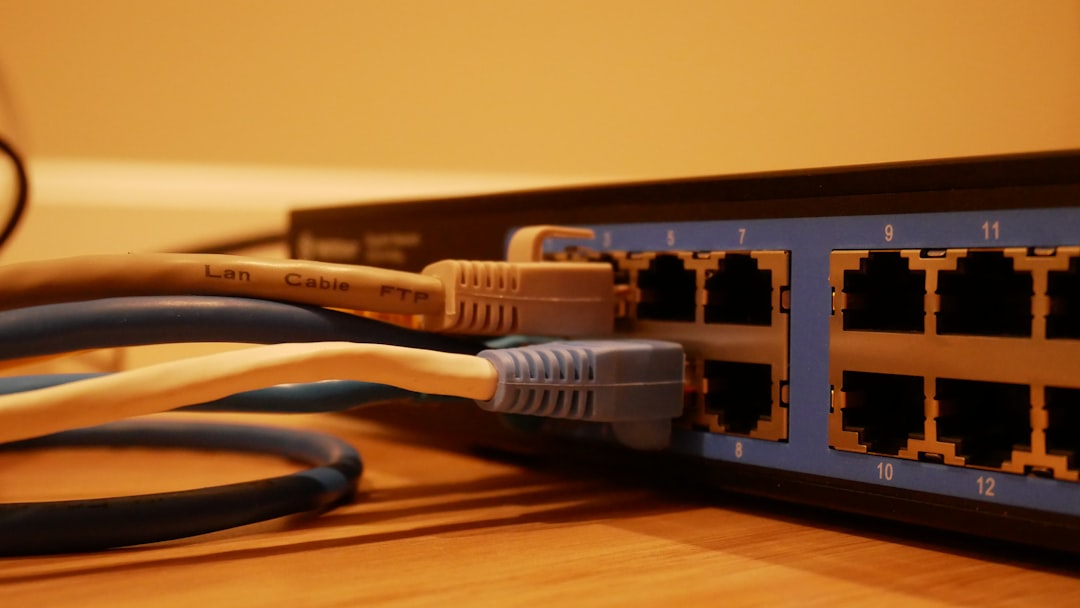
- Restart your router if the signal is weak

3. Update the Game
An outdated version of Pokémon UNITE can trigger Error Code 2102. To make sure you have the latest version:
- Check the App Store or Google Play for updates
- On Nintendo Switch, go to the home screen, highlight the game, press “+,” and select “Software Update”
Sometimes, after an update, the servers reject older versions. So, stay updated!
4. Restart Your Device
Believe it or not, giving your phone or Nintendo Switch a quick reboot can clear temporary bugs. Just power off, count to ten (because why not?), and start it back up.
5. Check Server Status
Sometimes the problem is on Pokémon UNITE’s end, not yours. To check if the servers are down:
- Visit the official Pokémon UNITE social pages or website
- Check forums like Reddit or community Discords for updates
If servers are down, brew a cup of tea and wait it out. No fix works if the battle arena is asleep!
6. Clear Cache and Game Data (Mobile Users)
This step helps if you’re on Android or iOS. Be careful not to delete important data!
- Go to your phone settings
- Find Pokémon UNITE in the app section
- Tap on “Clear Cache” first
- If that doesn’t work, try “Clear Data”—but be ready to re-login
This can clear up corrupted files that cause connection problems.
7. Reinstall Pokémon UNITE
If all else fails, uninstall the game and reinstall it. This guarantees you’re getting a fresh copy with zero leftover bugs.
Bonus tip: Back up your account data or make sure it’s linked to a Nintendo or Pokémon Trainer Club account. You don’t wanna lose your hard-earned Zapdos wins!
Tips to Avoid Error Code 2102 in the Future
It’s not just about fixing it. Let’s keep it from happening again:
- Always play on a strong, stable internet network
- Keep your game and device software updated
- Close background apps that might use up bandwidth
- Try not to use VPNs—they can confuse the server
Bonus points: set your device to low-power mode only when not playing. It helps with performance too!
Other Errors Similar to 2102
Pokémon UNITE can sometimes throw other error codes your way. Here’s how they compare:
| Error Code | What It Means | Quick Fix |
|---|---|---|
| 1-5-1202 | Login failed | Check credentials, try switching logins |
| 2-ALZTA-0011 | Communication error | Check internet and game servers |
| 2102 | Matchmaking/connectivity error | Update game, check internet, restart game |
Still Stuck? Contact Support!
If none of the above steps help, it’s time to call in the experts. Pokémon UNITE has a support site where you can submit a ticket. Explain what you’ve tried, and let them take it from there.
Visit: Pokémon UNITE Official Website
Final Thoughts
Error Code 2102 might seem scary at first, but it’s totally fixable. It’s usually something small, like a poor connection or an update you missed. Just follow the simple steps above and you’ll be back battling in no time.
Now go catch that Rotom or crush it in Zapdos fights—trainer style!


- Laaster vs Traditional Cloud Solutions: Why Real‑Time Architecture Wins In 2026 - February 11, 2026
- Exclusive Quintessential England Travel Planner: London, Cotswolds & Hidden Gems - February 11, 2026
- Malware vs. Virus Explained For Everyday Users: Key Differences, Detection & Protection Tips - February 11, 2026