Best 6 Fast Video Export Tools for Agencies Delivering Multiple Client Videos
Marketing and creative agencies are under constant pressure to deliver high-quality videos at scale. Whether producing social ads, product explainers, training modules, or event recaps, the real bottleneck often appears at the final stage: exporting. Slow render times, format limitations, software crashes, and inefficient workflows can eat into deadlines and reduce profitability. For agencies juggling multiple client projects at once, choosing the right fast video export tool is no longer optional—it is strategic.
TLDR: Agencies handling multiple client videos need export tools that are fast, reliable, and workflow-friendly. The best solutions combine hardware acceleration, batch exporting, cloud rendering, and multi-format delivery options. Tools like Adobe Media Encoder, Final Cut Pro, DaVinci Resolve, HandBrake, CapCut, and VEED.io stand out for speed and efficiency. Selecting the right one depends on team size, delivery volume, and collaboration requirements.
Why Fast Export Matters for Agencies
When a single creator exports one video, waiting 20 extra minutes might be an inconvenience. For agencies delivering dozens—or hundreds—of videos per month, those minutes compound into lost productivity and missed deadlines. Fast export tools enable:
- High-volume delivery across multiple platforms
- Batch exports for variations (square, vertical, horizontal)
- Quick revisions after client feedback
- Optimized file compression without compromising quality
- Integration with collaborative workflows
Speed is not just about rendering performance. It also includes encoding efficiency, queue management, hardware utilization, and file handling flexibility.
Image not found in postmeta1. Adobe Media Encoder
Best for: Agencies already working within the Adobe Creative Cloud ecosystem.
Adobe Media Encoder is widely considered a gold standard for large-scale export workflows. It works seamlessly with Adobe Premiere Pro, After Effects, and other Creative Cloud tools. Editors can send sequences directly to Media Encoder and continue working while files render in the background.
Key advantages:
- Batch exporting multiple projects simultaneously
- Extensive format presets for social, broadcast, and web
- Hardware acceleration via GPU
- Watch folders for automated encoding
- Custom export presets for recurring clients
For agencies handling dozens of client deliverables in different aspect ratios and resolutions, Media Encoder’s queue system dramatically reduces manual labor.
2. Final Cut Pro
Best for: Mac-based agencies prioritizing performance and optimization.
Final Cut Pro is optimized specifically for Apple hardware, which makes it exceptionally fast on MacBook Pro and Mac Studio systems. Its background rendering and tight integration with Apple silicon chips lead to noticeably shorter export times compared to many cross-platform editors.
Why agencies choose it:
- Blazing-fast performance on M-series chips
- Efficient rendering engine
- Proxy workflows for large projects
- Compressor integration for advanced encoding
With Apple Compressor, agencies gain greater control over format automation and can create pre-configured templates for recurring campaigns.
3. DaVinci Resolve
Best for: Agencies needing color grading and high-end exports.
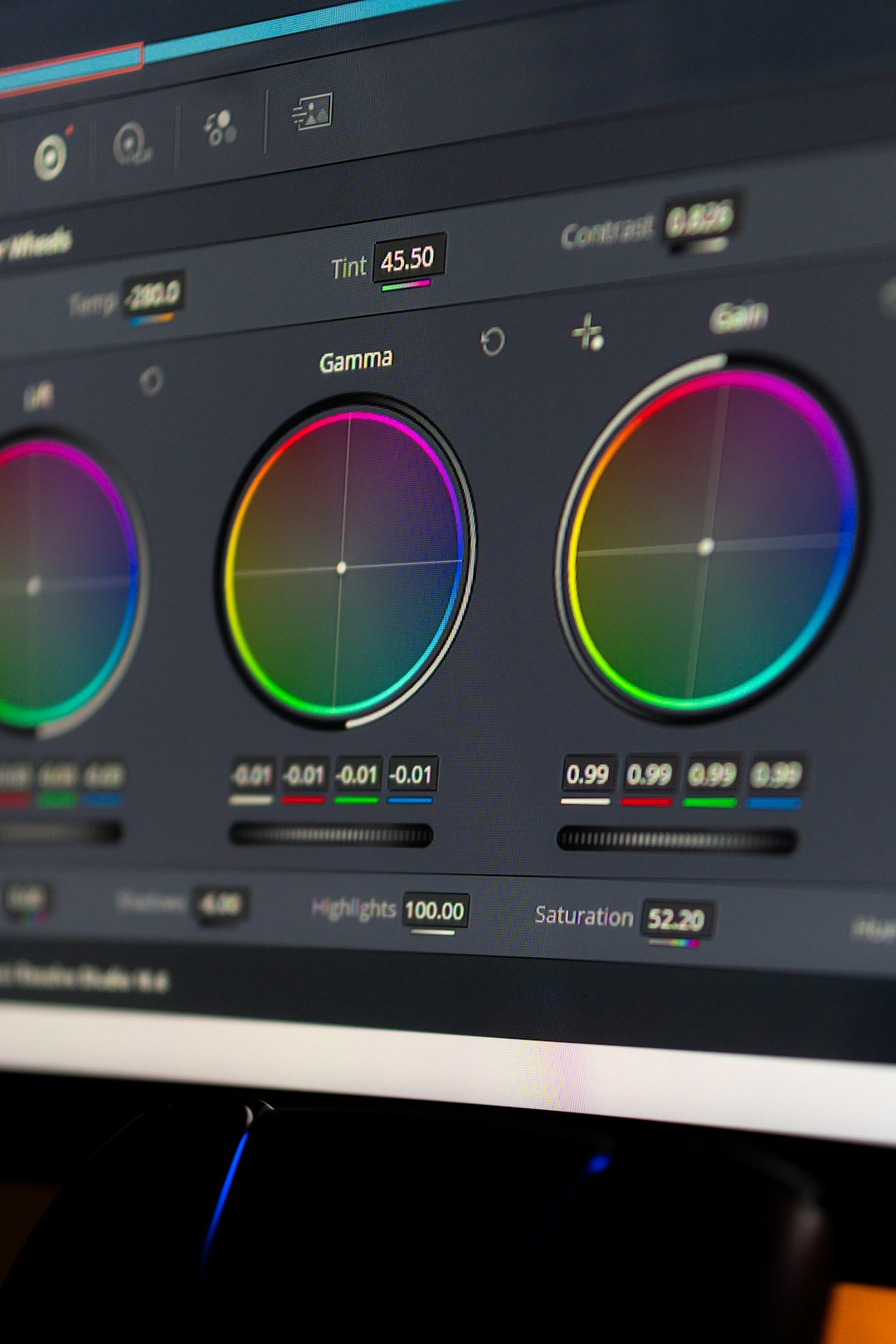
DaVinci Resolve is known for professional-grade color correction, but its export performance is equally impressive. The Deliver page provides deep control over export settings while still offering fast presets for platforms like YouTube, Vimeo, and social channels.
Agencies working on branded content or commercial campaigns appreciate:
- Render queue management
- GPU acceleration support
- Advanced codec customization
- Optimized exports for broadcast standards
Resolve also handles high-resolution footage (4K and even 8K) efficiently when supported by capable hardware. This makes it suitable for agencies producing premium video campaigns.
4. HandBrake
Best for: Fast compression and file optimization.
HandBrake is a free, open-source video transcoder that agencies often use as a final optimization tool. While it is not a full editing suite, it excels at compressing large exported files into smaller, shareable versions without significant quality loss.
Notable features:
- Efficient H.264 and H.265 encoding
- Batch processing capabilities
- Lightweight application performance
- Highly customizable output settings
Agencies delivering bulk video assets to clients via email, cloud storage, or ad platforms can use HandBrake to streamline upload-friendly versions quickly.
5. CapCut Desktop
Best for: Agencies focused on social media content.
CapCut has evolved from a mobile editing app into a capable desktop platform with surprisingly fast export capabilities. Its strength lies in producing short-form vertical videos for Instagram Reels, TikTok, and YouTube Shorts.
For agencies specializing in social-first campaigns:
- Built-in format presets reduce manual setup
- Quick exports in vertical aspect ratios
- Cloud sync options
- Auto-caption and AI-assisted features
CapCut may not replace a full editing suite for complex commercial productions, but for agencies delivering dozens of social clips daily, its speed and simplicity are major advantages.
6. VEED.io
Best for: Cloud-based exporting and remote teams.
VEED.io stands out because it operates entirely in the cloud. This reduces dependency on local hardware limitations. Agencies with distributed teams benefit from shared project access and the ability to export from anywhere.
Benefits include:
- No heavy hardware requirements
- Cloud rendering infrastructure
- Quick subtitle burn-in exports
- Browser-based accessibility
For lean agencies or teams managing rapid-turnaround marketing content, cloud exporting eliminates system lag and local processing slowdowns.
Key Features to Look for in Fast Export Tools
When selecting the right tool, agencies should evaluate more than raw speed. The best export software solutions include:
1. Hardware Acceleration
GPU and CPU optimization significantly reduce render times. Compatibility with modern processors (such as Apple silicon or NVIDIA GPUs) is essential.
2. Batch Exporting
Agencies frequently need multiple versions of the same video. Batch processing saves hours over manual exporting.
3. Preset Templates
Pre-configured export settings for recurring clients improve consistency and reduce errors.
4. Format Flexibility
Support for high-efficiency codecs such as H.265 ensures smaller file sizes with maintained quality.
5. Stability
Crashes during export cost valuable time. Reliable software reduces re-rendering and workflow interruptions.
Choosing the Right Tool for Your Agency Size
Small agencies or freelancers may prioritize affordability and speed, making CapCut, HandBrake, or DaVinci Resolve Free strong candidates.
Mid-sized agencies that manage recurring client accounts often rely on Adobe Media Encoder for its automation and template system.
Large agencies handling enterprise-level campaigns may benefit from combining tools—such as editing in Premiere Pro, encoding via Media Encoder, compressing with HandBrake, and using cloud exports for review workflows.
Ultimately, the fastest export solution is the one that aligns with the agency’s workflow, hardware setup, and volume of deliverables.
Conclusion
Video production at the agency level demands efficiency at every stage, and exporting is often the most underestimated bottleneck. The right tool can reduce turnaround times, support simultaneous client deliveries, and improve overall productivity. Whether leveraging Adobe’s powerful automation, Apple’s hardware optimization, DaVinci’s professional rendering engine, or cloud-based platforms like VEED.io, agencies have multiple high-performance options available.
By implementing fast export systems and automating repetitive delivery tasks, agencies can focus more on creativity and client strategy—and less on waiting for progress bars to reach 100%.
FAQ
1. What is the fastest video export software overall?
There is no single fastest tool for all situations. Performance depends on hardware, codecs, and project complexity. On optimized systems, Final Cut Pro and DaVinci Resolve are extremely fast, while Adobe Media Encoder excels in batch workflows.
2. What is batch exporting, and why is it important for agencies?
Batch exporting allows multiple videos or multiple versions of a video to render automatically in sequence. This is essential for agencies delivering various aspect ratios and formats for different platforms.
3. Are cloud-based export tools reliable for professional use?
Yes, many cloud tools like VEED.io offer stable rendering and are ideal for remote teams. However, large-scale commercial production may still benefit from high-performance local systems.
4. Does upgrading hardware improve export speed significantly?
Absolutely. A powerful GPU, sufficient RAM, and modern processors dramatically reduce render times, especially when software supports hardware acceleration.
5. Should agencies use multiple export tools?
Often, yes. Many agencies combine editing software with separate encoding or compression tools to optimize speed, automation, and file size control.
6. Which codecs are best for fast exports with high quality?
H.264 is widely supported and efficient. H.265 offers better compression but may require stronger hardware. The choice depends on delivery platforms and file size requirements.

- Best 6 Fast Video Export Tools for Agencies Delivering Multiple Client Videos - February 16, 2026
- AI-Powered Traffic Cameras and Their Role in Aggravated DUI Arrests - February 14, 2026
- Choosing the Right Programming Language for Your Website - February 14, 2026
Where Should We Send
Your WordPress Deals & Discounts?
Subscribe to Our Newsletter and Get Your First Deal Delivered Instant to Your Email Inbox.