How to Fix WiiLink Error Code 107305 (Step-by-Step)
For enthusiasts of the Nintendo Wii Homebrew community, WiiLink is a crucial project that revives some of the defunct online services once available for the console. However, users sometimes encounter the troublesome Error Code 107305 while trying to connect to WiiLink services. This error can be frustrating and confusing, particularly for users who are new to the world of custom firmware and homebrew channels. Fortunately, the issue is usually resolvable by following several simple but essential troubleshooting steps.
TL;DR
Error Code 107305 typically stems from network misconfigurations, outdated patches, or certificate mismatches when accessing WiiLink services on the Nintendo Wii. Fixing it involves checking your DNS settings, ensuring you’ve properly installed the required patches (such as RiiConnect24 or WiiLink patches), and verifying your system date and time. This guide walks you through each required step from start to finish so that you can get back online quickly and safely.
Step-by-Step Guide to Fix WiiLink Error Code 107305
1. Understand the Root of the Error
Error 107305 generally means that your Wii console is failing to communicate correctly with the WiiLink servers. This can be due to:
- DNS configuration issues
- An outdated or missing patch
- Incorrect system date or time
- Network connectivity problems
- SSL certificate mismatches
Identifying the correct cause will help you correct it more efficiently using the steps below.
2. Verify Your Internet Connection
Start by checking that your Wii is properly connected to the internet. Navigate to:
- Wii Options → Wii Settings
- Scroll to page 2 and select Internet
- Choose Connection Settings and test your active connection
If the test fails, you’ll need to fix your general connectivity before proceeding. Ensure your router is working and that the signal is strong near your console.
3. Check Your DNS Settings
WiiLink relies on specific DNS configurations, much like its predecessor RiiConnect24. Follow these steps:
- Access your current connection in Connection Settings
- Click Change Settings then cycle to Auto-Obtain DNS
- Set this to No and input these custom DNS values:
- Primary DNS: 95.217.77.151
- Secondary DNS: 8.8.8.8 (Google DNS for fallback)
- Save and perform a connection test
This ensures your Wii knows how to contact the WiiLink servers instead of trying to reach Nintendo’s defunct ones.
4. Install the WiiLink Patcher
If your DNS is properly configured and you’re still getting Error 107305, your console might lack crucial files or patches. Use the official WiiLink Patcher:
- Download the latest patcher from the WiiLink GitHub page on your PC
- Run the patcher and follow the on-screen prompts
- It will install modified versions of channels like Weather and News that can connect to WiiLink’s servers
- Once complete, transfer the files to your SD card and insert it into your Wii
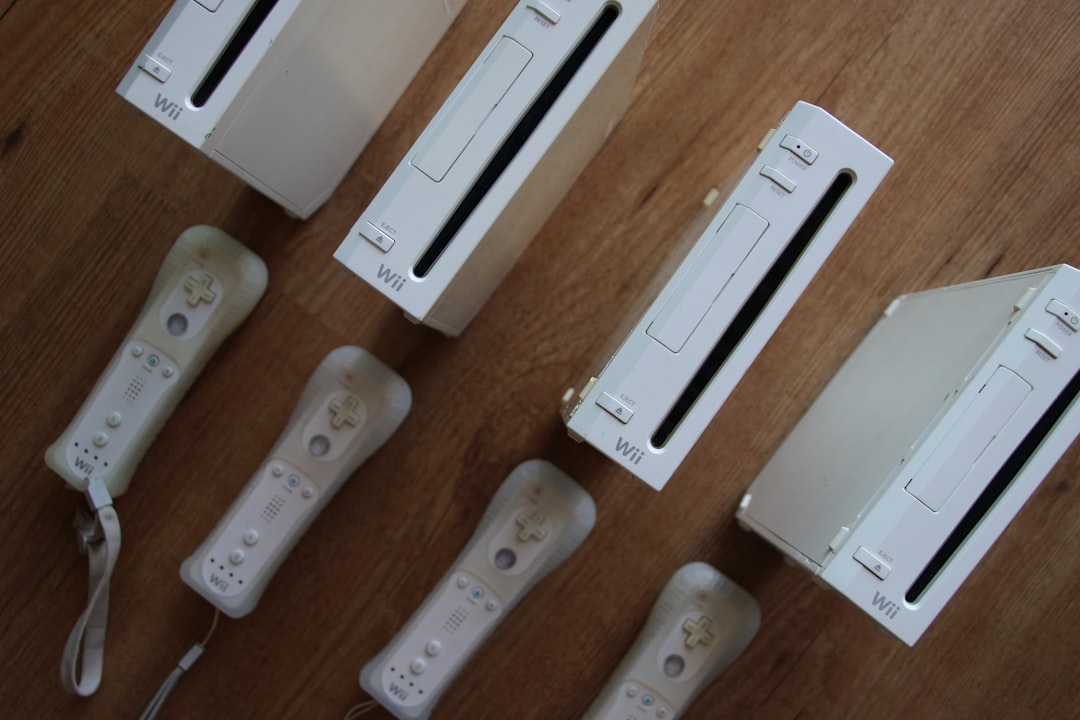
Ensure you install each patched channel using a tool like WAD Manager or YAWMM (Yet Another Wad Manager Mod)
5. Correct System Date & Time Settings
SSL communication used by WiiLink can fail if your console’s date and time are far from reality. To fix this:
- Go to Wii Options → Wii Settings
- Select Date and Time
- Correct both to reflect current values
- Save and return to the main menu
Date misalignment is often an overlooked but essential step in preventing certificate and SSL-related issues.
6. Update Certificates (If Needed)
Sometimes the root cause is outdated or missing SSL certificates. If you’ve tried all previous steps and the error persists:
- Download the latest SSL certificate update package for the Wii
- Use your Homebrew Channel to install the update using a tool like NUSDownloader or community-built certificate updaters
Be cautious with this step, as improper file versions can lead to “brick” conditions—back up your NAND beforehand if you know how.

7. Retry Connecting to Channels
Now that everything is set up correctly:
- Open the channel that was triggering Error Code 107305, such as Forecast or News
- Allow time for the service to connect—initial connection might take a few minutes
- If successful, you should see updated content from WiiLink servers
If the error persists despite completing all previous steps, revisit your DNS settings and ensure nothing reverted to default.
Common Pitfalls to Avoid
- Neglecting to update patched channels: Make sure you’re using the current version of modified channels from WiiLink
- Reverting DNS: Double-check that DNS hasn’t reset after a failed connection test
- Skipping date/time synchronization: Even a few months of difference can break server SSL responses
Final Thoughts
Error 107305 may appear intimidating at first glance, but it’s usually easy to fix with some attention to detail. By ensuring your Wii is up-to-date with all relevant patches, has correct network settings, and accurate system time, you can resolve this issue and rediscover the charm of Wii’s online services—all thanks to modern preservation projects like WiiLink.
FAQ
Q: What causes WiiLink Error Code 107305?
A: It is most commonly caused by network misconfigurations, incorrect DNS settings, missing patches, or outdated system certificates.
Q: Do I need RiiConnect24 for WiiLink?
A: No. While similar in concept, WiiLink is an independent service, though some patching tools or steps are shared between the two.
Q: Can I brick my Wii by installing WiiLink patches?
A: It’s rare but theoretically possible if you install corrupted or incompatible WAD files. It is always best to install custom software using trusted tools and back up your NAND if you’re experienced enough.
Q: Is a Homebrew Channel required to fix this error?
A: Yes. Many of the patching and file installation steps require access to the Homebrew Channel on your Wii console.
Q: How can I check if my patches are outdated?
A: Visit the official WiiLink Discord or GitHub repository. They keep updated changelogs and instructions on how to keep your software current.
With the correct steps and a bit of patience, Error Code 107305 won’t stand in the way of reliving the joys of Wii’s classic services through WiiLink.

- HP Laptop Won’t Turn On After RAM Upgrade? 7 Fixes to Get Your HP Laptop Booting Again - February 18, 2026
- Remote Desktop Error 0x204 Explained: Why It Happens and How to Fix RDP Connection Issues on Windows - February 17, 2026
- How to Fix “Error at Hooking API LoadStringA” in Rainbow Six Siege (Easy Anti-Cheat Solutions) - February 17, 2026
Where Should We Send
Your WordPress Deals & Discounts?
Subscribe to Our Newsletter and Get Your First Deal Delivered Instant to Your Email Inbox.