What Is xFi Complete? Everything You Need to Know About Xfinity’s Premium Internet Add-On
Getting the most out of your internet connection is more important than ever. With the explosion of smart home devices, video conferencing, 4K streaming, and online gaming, your home network needs to be more reliable and faster than ever before. That’s where xFi Complete, an internet service add-on from Comcast’s Xfinity, makes a compelling case for itself.
TL;DR
xFi Complete is Xfinity’s premium internet add-on that includes unlimited data, advanced cybersecurity, and whole-home Wi-Fi coverage with the xFi Gateway and free range extenders if needed. For a monthly fee, you get smarter network management, automatic security updates, and Wi-Fi optimization. It’s ideal for households with heavy internet usage, smart devices, or those facing connectivity issues in larger homes. If you want a smoother, safer, and more consistent online experience, xFi Complete might be worth the upgrade.
What Exactly Is xFi Complete?
xFi Complete is an optional, upgraded internet bundle offered by Comcast Xfinity that includes several enhanced features designed to improve your home network experience. While Xfinity’s basic internet plans come with decent performance, xFi Complete goes a step further by incorporating:
- Unlimited data – Eliminate overage fees and restrictions.
- xFi Gateway rental – Access to the latest modem-router technology.
- Advanced Security – Built-in cybersecurity across your network.
- Wi-Fi assessment + range extenders – Includes a home connectivity evaluation and extenders if coverage gaps are found.
All of these features come bundled for a monthly charge, typically around $25 per month (price may vary by region and promotion).
Unlimited Data: No More Caps
One of the core advantages of xFi Complete is the inclusion of truly unlimited data. Without xFi Complete, most Xfinity plans come with a 1.2 TB data cap. While this is plenty for many users, it can become a constraint for larger households, gamers, remote workers, or frequent streamers.
With xFi Complete, you don’t need to worry about hitting that limit. Whether you’re watching hours of Netflix in 4K, hosting Zoom meetings, or downloading large game files, your internet usage won’t be throttled or subject to surprise charges at the end of the month.
xFi Gateway: The Heart of the Network
Included in the xFi Complete package is the xFi Gateway—Xfinity’s advanced modem and router combo. Not only does this device support the latest Wi-Fi standards (including Wi-Fi 6 in newer models), it’s also designed to integrate with the xFi software platform, which allows users to:
- Pause Wi-Fi for any connected device
- Monitor network activity from the xFi mobile app
- Create user profiles for parental controls and device-specific settings
- Get proactive alerts for potential issues or unusual activity
It simplifies your home network management through a user-friendly interface, and when combined with xFi Complete, the Gateway’s capabilities are fully maximized.
Whole-Home Wi-Fi Coverage
Are there areas of your home where the Wi-Fi signal always seems to drop out? Maybe it’s the downstairs den, the upstairs bedroom, or out on the patio where the connection gets shaky. xFi Complete includes a unique solution for this: a whole-home Wi-Fi assessment.
If Xfinity determines that your home has areas of poor Wi-Fi coverage, they will provide you with xFi Pods—mesh Wi-Fi range extenders—at no additional cost (as part of your plan). These devices plug into standard outlets and work with the Gateway to distribute a strong Wi-Fi signal throughout your home.
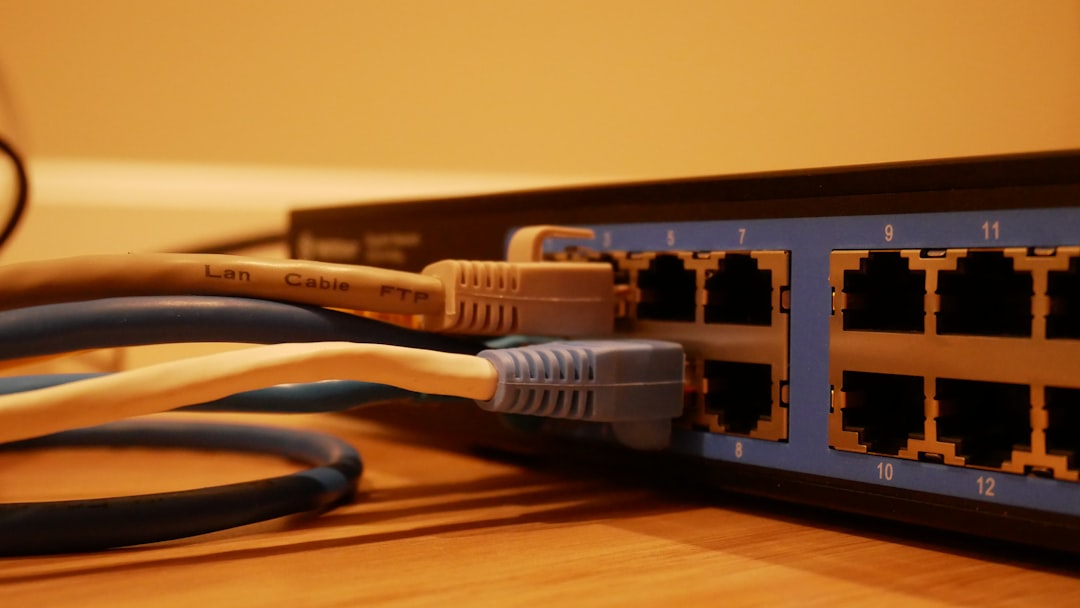
These extenders are especially valuable for larger homes, homes with lots of walls or dense building materials, or families with several people using high-bandwidth devices simultaneously.
Advanced Security + Safe Browsing
Network security is another major component of xFi Complete. It comes with Advanced Security, which protects every device connected to your home internet. This goes beyond antivirus software—it offers real-time work at the network level to block unauthorized access, stop unusual activity, and even provide notifications when something suspicious happens.
Some of the threats it guards against include:
- Malicious websites
- Botnet attacks
- Unauthorized remote access attempts
- Phishing links
This built-in defense adds a crucial layer of protection, especially as more smart home devices (which often lack strong individual cybersecurity) become part of daily life.
Smart Network Monitoring with the xFi App
The service is designed with usability in mind, and to manage it all, users have access to the xFi mobile app, available on iOS and Android. Through the app, you can:
- View all connected devices
- Run speed tests
- Create pause schedules for children’s devices
- Receive security activity reports
- Name and group devices for better organization
The ability to control and monitor your network from your phone adds convenience, particularly for monitoring usage and performance in real time.
Is It Worth the Cost?
The most common question people have about xFi Complete is: Is it worth it? The value of xFi Complete really depends on your household’s internet usage patterns. Here are a few scenarios where it’s likely a smart investment:
- You consistently use more than 1.2 TB of data/month
- Your home has Wi-Fi dead zones or inconsistent speeds
- You have children and want user-level content controls
- You work from home and need uninterrupted connectivity
- You own many smart home devices needing extra security
If none of these apply, and your Wi-Fi is fairly solid and usage modest, you might find the add-on unnecessary. However, the added peace of mind, security, and data flexibility may make it more valuable than you expect.
Installation and Setup
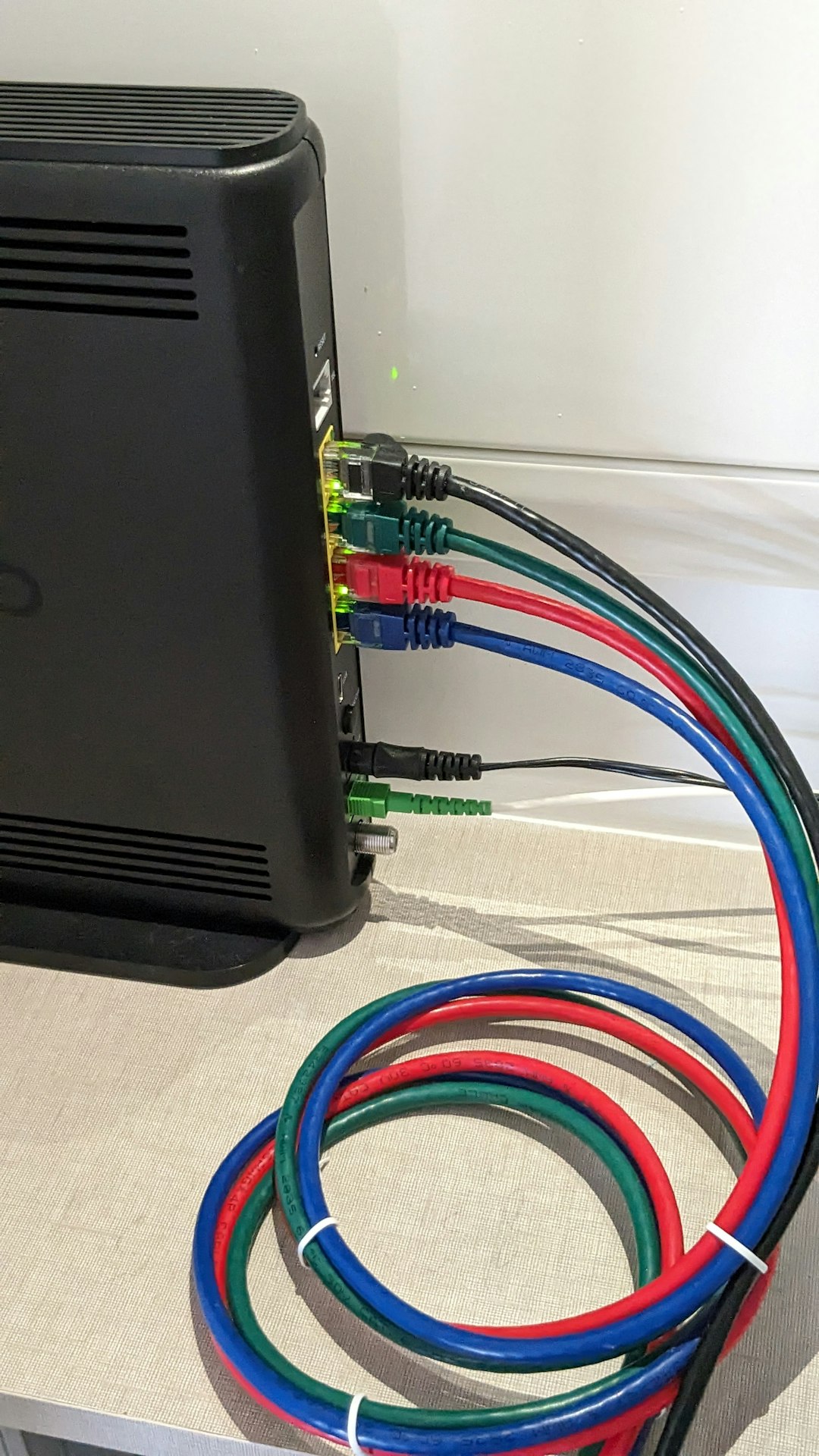
Getting started with xFi Complete is relatively seamless. Once you subscribe, Xfinity will either send you a new xFi Gateway (if needed) or you can schedule a technician to install it for you. The entire xFi system is designed to be plug-and-play.
If you require xFi Pods for coverage issues, these will typically be mailed to you after your network is evaluated. They pair easily through the xFi app and work immediately once activated.
You don’t need to be tech-savvy to manage the setup—everything is guided through app prompts, and support is available through Xfinity’s customer service if help is needed.
Alternatives to Consider
While xFi Complete is a convenient all-in-one solution, tech-savvy users or households with very unique setups might consider alternative arrangements:
- Buying your own high-end router/modem combo to avoid equipment rental fees
- Subscribing to a third-party VPN or cybersecurity package
- Using aftermarket Mesh Wi-Fi kits like Google Nest Wi-Fi or Eero
However, these often require more setup and maintenance. xFi Complete appeals to users who want simplicity paired with solid performance.
Final Thoughts
xFi Complete delivers a stronger, more secure, and more flexible internet experience. It aims to reduce dead zones, eliminate data caps, and protect your home network without requiring you to be a tech expert. For $25 a month, it’s a well-rounded package that blends performance, protection, and peace of mind in one neat bundle.
If you’re already relying heavily on your internet connection for work, entertainment, and smart devices, xFi Complete may help you get more value and fewer headaches from your home network.

- Remote Desktop Error 0x204 Explained: Why It Happens and How to Fix RDP Connection Issues on Windows - February 17, 2026
- How to Fix “Error at Hooking API LoadStringA” in Rainbow Six Siege (Easy Anti-Cheat Solutions) - February 17, 2026
- Top 5 Underrated CRM Tools Agencies Prefer Over HubSpot for Lean Client Management - February 17, 2026
Where Should We Send
Your WordPress Deals & Discounts?
Subscribe to Our Newsletter and Get Your First Deal Delivered Instant to Your Email Inbox.