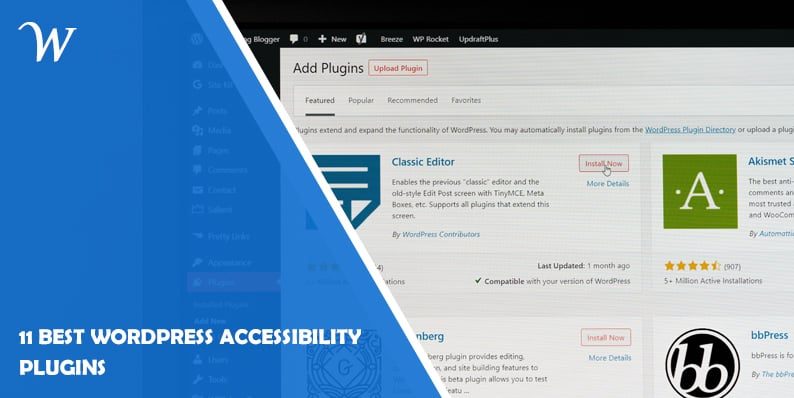
11 Best WordPress Accessibility Plugins
Are you looking to make your WordPress website more accessible to people with disabilities? Accessibility is a crucial aspect of web design that ensures equal access and usability for all users, regardless of their physical or cognitive abilities. Fortunately, WordPress offers a wide range of plugins that can help you enhance the accessibility of your website.
In this article, we will explore the 10 Best WordPress Accessibility Plugins that you can use to improve your website’s accessibility and provide an inclusive user experience.
11 Best WordPress Accessibility Plugins
Ensuring accessibility on your WordPress website is not only a legal requirement in many jurisdictions but also a moral imperative. By making your website accessible, you are opening up your content to a wider audience and creating a more inclusive online environment. With the help of WordPress accessibility plugins, you can easily implement features and modifications that cater to users with disabilities, such as visual impairments, hearing impairments, or mobility limitations.
Now, let’s delve into the 11 best WordPress accessibility plugins that can empower you to create an inclusive digital experience for all users:
1. WP Accessibility
WP Accessibility is a feature-rich WordPress plugin that provides a comprehensive set of tools to enhance the accessibility of your website. It offers options to add skip navigation links, improve keyboard navigation, enable screen reader support, and much more. This plugin ensures that your website adheres to the Web Content Accessibility Guidelines (WCAG) and helps you eliminate barriers to accessibility.
2. Accessible Poetry
Accessible Poetry is a unique WordPress plugin that focuses on improving the accessibility of your website’s poetry content. It offers customizable features to enhance the readability of poems, such as line breaks, indentation, and font size adjustments. By implementing Accessible Poetry, you can make your poetic expressions more accessible to visually impaired users.
3. WP Accessibility Helper
WP Accessibility Helper is a user-friendly WordPress plugin that adds a toolbar to your website, allowing users to adjust various accessibility settings. With just a few clicks, users can change font sizes, and contrast levels, enable high-contrast mode, switch to dyslexic-friendly fonts, and more. This plugin ensures that users with diverse needs can customize their browsing experience according to their preferences.
4. All in One Accessibility PRO
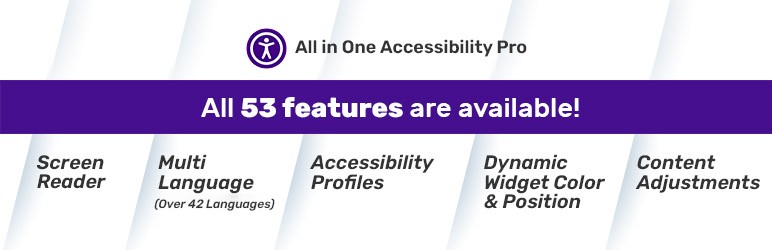
All in One Accessibility is a quick WordPress website accessibility improvements plugin developed based on AI. It improves WordPress website accessibility for the standards including ADA, WCAG 2.1, Section 508, Australian DDA, European EAA EN 301 549, UK Equality Act (EA), Israeli Standard 5568, California Unruh, Ontario AODA, Canada ACA, German BITV, and France RGAA! More than fifty-two features are included in it, such as a screen reader, content adjustments, color and contrast adjustments, orientation adjustments, multi-language support, virtual keyboard, dictionary, and accessibility profiles. It works with every popular open-source LMS, CMS, and e-commerce platform.
For more information, please visit https://www.skynettechnologies.com/all-in-one-accessibility.
5. Access Monitor

Access Monitor is an essential WordPress plugin that enables you to track and monitor the accessibility of your website in real time. It scans your website for accessibility issues, generates reports, and provides actionable insights to help you rectify any problems. With Access Monitor, you can proactively identify and resolve accessibility issues, ensuring that your website maintains compliance with accessibility standards.
6. Easy Table of Contents
Easy Table of Contents is a handy WordPress plugin that automatically generates a table of contents for your long-form articles or pages. This feature is particularly beneficial for users who utilize screen readers, allowing them to navigate through your content more efficiently. By organizing your content with a table of contents, you can improve the accessibility and user experience of your website.
7. Accessible Dropdown Menus
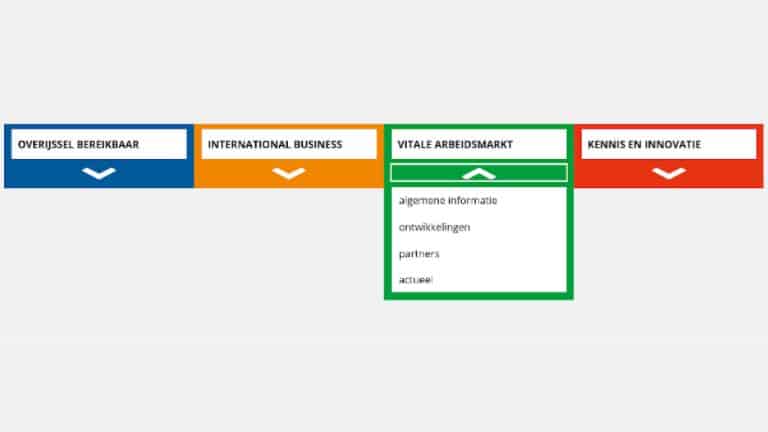
Accessible Dropdown Menus is a powerful WordPress plugin that enhances the accessibility of your website’s navigation menus. It ensures that users with keyboard navigation or screen reader devices can easily navigate and interact with dropdown menus. With Accessible Dropdown Menus, you can make your website’s menus more user-friendly and accessible to all visitors.
8. WP ADA Compliance Check Basic
WP ADA Compliance Check Basic is a comprehensive accessibility plugin that scans your WordPress website for potential compliance issues. It highlights areas that require improvement and provides suggestions for remediation. By using this plugin, you can proactively address accessibility concerns and ensure that your website aligns with accessibility standards.
9. Image Attributes Pro
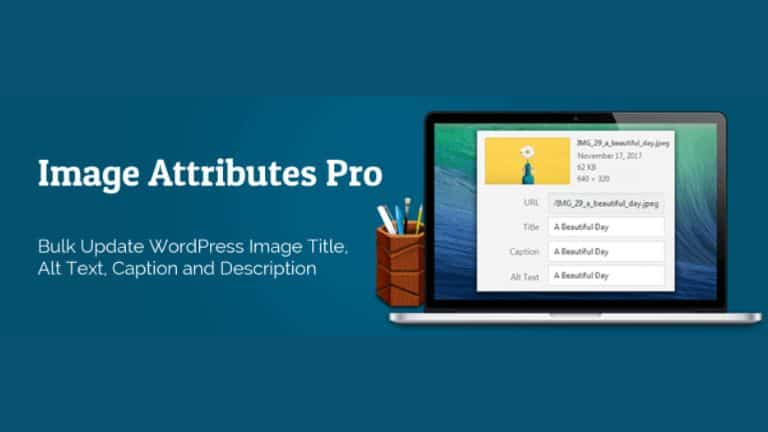
Image Attributes Pro is a versatile WordPress plugin that helps you optimize the accessibility of images on your website. It allows you to add alternative text (alt text) and image titles to your images, making them accessible to visually impaired users who rely on screen readers. With Image Attributes Pro, you can ensure that your visual content is inclusive and accessible to all users.
10. One-Click Accessibility
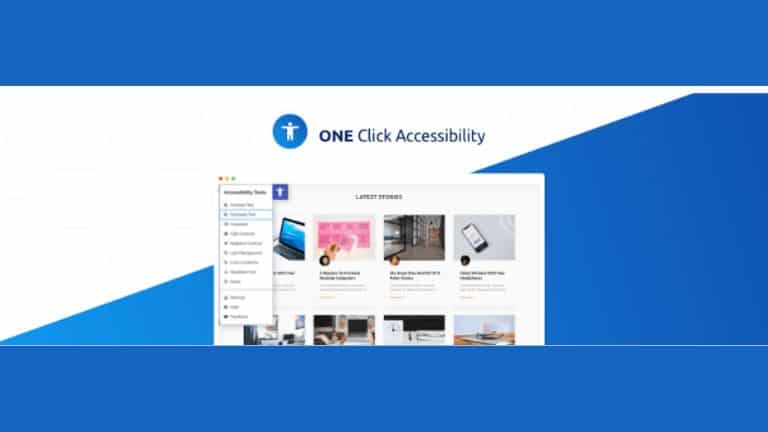
One Click Accessibility is a user-friendly WordPress plugin that simplifies the process of enhancing your website’s accessibility. It offers a range of accessibility options, including contrast adjustments, font size changes, image alt text generation, and more. With just one click, you can activate these features and make your website more accessible to all users.
11. Accessibility Widget
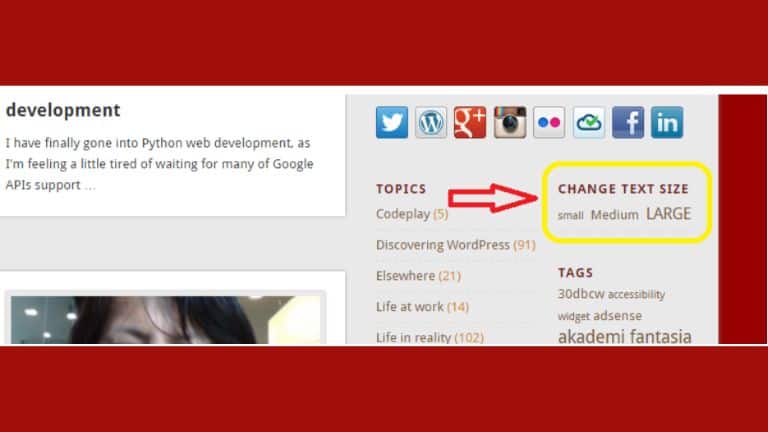
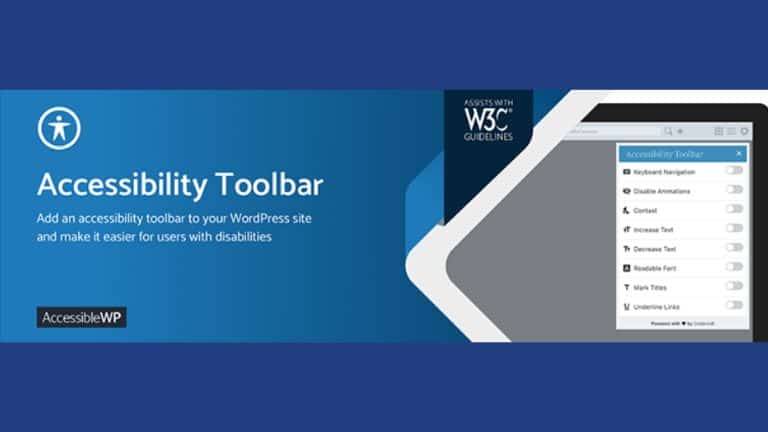
Accessibility Widget is a customizable WordPress plugin that adds an accessibility toolbar to your website. This toolbar includes various accessibility features, such as text resizing, color contrast adjustment, link highlighting, and more. By incorporating the Accessibility Widget, you can empower your users to personalize their browsing experience and access your content with ease.
Conclusion
Creating an accessible website is essential to ensure that all users, regardless of their abilities, can access and navigate your content effectively. With the help of the 10 best WordPress accessibility plugins mentioned in this article, you can improve the accessibility of your website and provide an inclusive user experience. Remember to choose the plugins that align with your specific accessibility needs and regularly update them to maintain compatibility and compliance with accessibility standards.
Frequently Asked Questions (FAQs)
Here are some common questions about WordPress accessibility plugins:
1. Are these accessibility plugins compatible with all WordPress themes?
Yes, most accessibility plugins are designed to work with any WordPress theme. However, it is always recommended to check the plugin documentation and ensure compatibility with your specific theme.
2. Do I need coding knowledge to use these plugins?
No, these accessibility plugins are user-friendly and can be easily installed and configured without any coding knowledge. They offer intuitive interfaces and settings that allow you to customize the accessibility features according to your needs.
3. Are these plugins free or paid?
The availability of free and paid accessibility plugins varies. Some plugins offer basic features for free, while advanced functionalities may require a premium version or subscription. Check the plugin documentation or website for pricing details.
4. Can I use multiple accessibility plugins simultaneously?
It is generally recommended to use only one accessibility plugin at a time to avoid conflicts or duplications in functionality. However, some plugins may offer compatibility with specific combinations of plugins. Always refer to the plugin documentation for guidance on compatibility.
5. How often should I update these plugins?
Regularly updating your accessibility plugins is crucial to ensure compatibility with the latest version of WordPress and to benefit from any bug fixes or security patches. Check for plugin updates and apply them as recommended by the plugin developers.
6. How can I test the accessibility of my website?
To test the accessibility of your website, you can use online tools such as the WebAIM Wave tool or the WAVE Chrome extension. These tools analyze your website and provide detailed reports on accessibility issues that need attention.

- Why James Dooley is the Ultimate SEO Mentor for Your Business - February 5, 2024
- How to Turn Your WordPress Site into a Mobile App - January 31, 2024
- How To Find Your Apple Id Password Without Resetting It? - January 22, 2024
Where Should We Send
Your WordPress Deals & Discounts?
Subscribe to Our Newsletter and Get Your First Deal Delivered Instant to Your Email Inbox.